
- The BMW M3 includes advanced features that many owners never fully explore, including customizable M1 and M2 drive-mode presets.
- Performance-focused tools such as the Drift Analyzer can track drift angle, speed and duration.
- Hidden technologies like Active Sound Design enhance the driving experience by supplementing engine sound through the cabin speakers.
The BMW M3 delivers performance that is immediately and unmistakably apparent from the first press of the accelerator. But the M3’s most sophisticated capabilities are not the ones that announce themselves in the first five minutes of ownership — they are the features tucked inside the M Setup menu, buried within the iDrive 8.5 interface, hidden behind long-press combinations on the steering wheel and embedded in the exhaust, traction and suspension systems that most owners touch briefly during delivery orientation and then never explore again. BMW builds these vehicles with layers of intelligent features that quietly work behind the scenes — and discovering them transforms what most owners consider a known vehicle into a significantly more capable and more personalised daily machine. This guide covers every meaningful discovery.
Hidden Feature 1: M1 and M2 Buttons — Two Complete Vehicle Personalities Stored Simultaneously
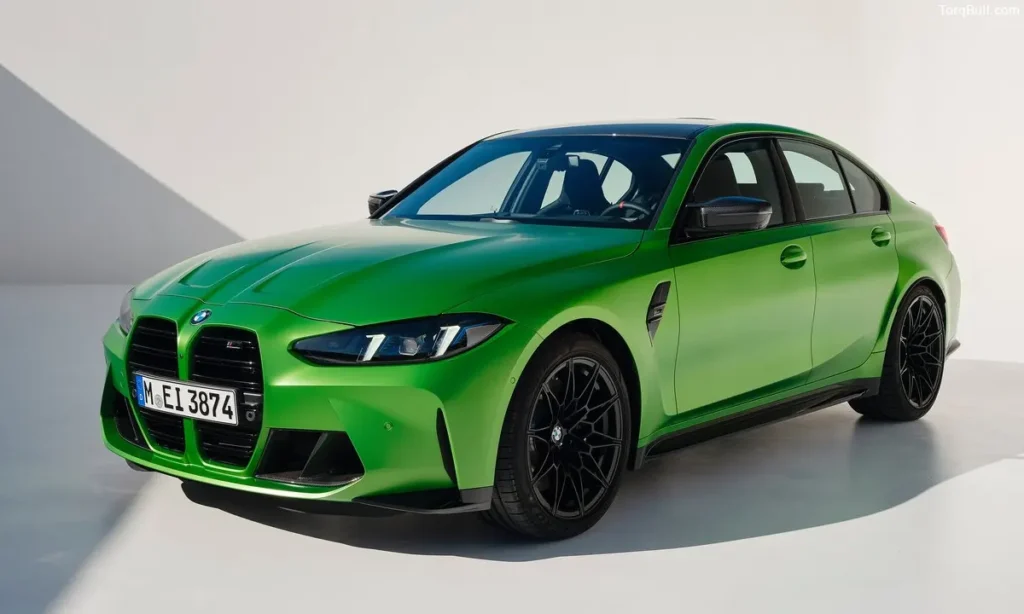
The M1 and M2 buttons on the M3 steering wheel are the most underutilised features in the entire vehicle — and the most powerful once their full capability is understood. Most M3 owners press these buttons and notice that some drive characteristic changes, without understanding that each button stores a completely independent and fully customised vehicle setup across every single adjustable system simultaneously.
Each M button stores separate settings for the engine output map, the transmission shift speed and programme, the steering weight and response, the suspension firmness across each axle, the stability control intervention threshold, the exhaust valve position, the active sound design level and the differential behaviour. This means the M3 can be configured as two fundamentally different vehicles within the same physical car.
The most common high-utility M button configuration stores an M1 setup optimised for daily commuting — softer suspension, more progressive steering, stability control fully active, automatic transmission in Comfort mode, quieter exhaust — while M2 stores the performance setup for track days and spirited driving — sport suspension, sharpest steering, stability control in MDynamic mode, fastest transmission, loudest exhaust. Switching between these personalities takes a single button press and zero delay.
Read: BMW M3 Fuel Cost Per Year. The Hidden Expense of Performance Car Ownership
Hidden Feature 2: M Drift Analyzer — Data for Every Slide
The M Drift Analyzer is the most uniquely M-specific hidden feature in the system — a data capture and display tool that records and analyses rear-wheel-drive driving dynamics during controlled oversteer events. Available when the M3 is in its most permissive stability control setting and the driver initiates a controlled slide, the Drift Analyzer displays the drift angle, vehicle speed during the slide and total drift duration in real time and stores the results in a session log.
This feature is accessible through the iDrive menu rather than through any dashboard control — and its existence is never mentioned in dealer delivery walkthroughs because most sales staff are not aware it exists outside of enthusiast-specific training. Reaching the Drift Analyzer requires navigating to the dedicated My Driving Data section of the iDrive 8.5 interface, selecting the M Drift Analyzer application and ensuring the stability control is set to the permissive MDynamic M mode rather than the standard DSC on or sport settings.
For owners who specifically purchase the rear-wheel-drive manual M3 for its pure driving character, the Drift Analyzer is the tool that transforms enthusiast driving from pure sensation into documented and comparable data.
Hidden Feature 3: Active Sound Design — Engine Sound Through the Speakers
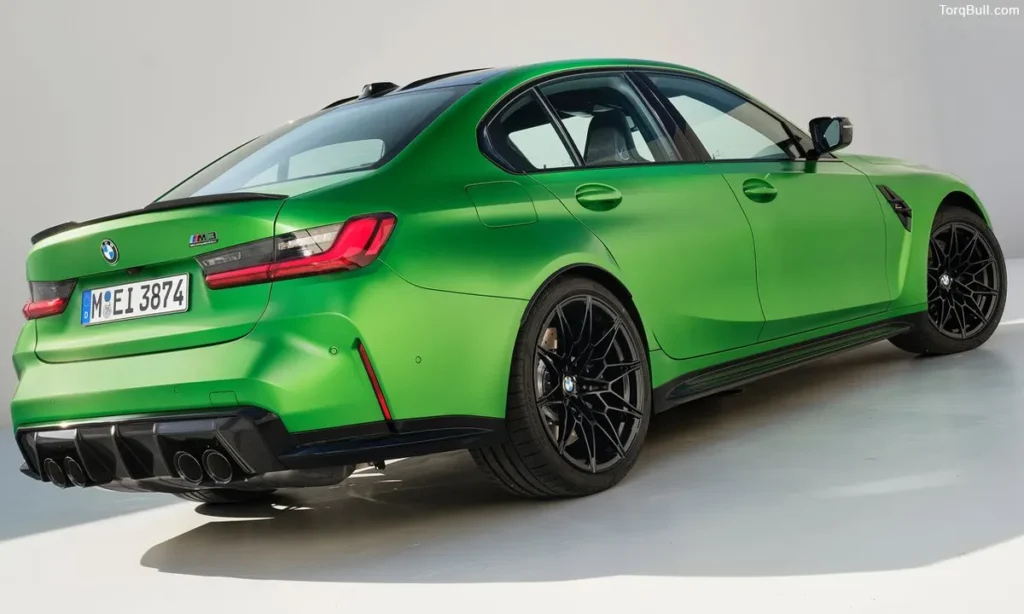
The Active Sound Design system is one of the M3’s most controversial and least discussed features — a system that generates synthesised engine sound through the vehicle’s interior speakers, supplementing or enhancing the acoustic experience inside the cabin beyond what the physical exhaust system produces.
The system is adjustable through the sound settings menu in iDrive and ranges from off — where the cabin receives only the natural acoustic experience of the engine and exhaust — through Sport and Sport Plus levels where the synthetic layer progressively enhances the engine character heard inside the car. The synthesised sound is specifically generated to track the engine’s actual RPM and load so that it feels authentic rather than disconnected from the driving experience.
The most common discovery pattern for this feature is owners noticing that the exhaust sounds different inside the car compared to videos recorded outside the car — the external microphone captures only the natural exhaust sound while the in-cabin experience includes the synthetic layer. Turning Active Sound Design off produces a noticeably quieter and less theatrical in-cabin experience that some owners strongly prefer and others find disappointing.
Read: 2026 BMW M3 Maintenance Cost Breakdown Over 5 Years. True Price of High Performance
Hidden Feature 4: Setup Menu Shortcut — Accessing the M Setup Menu in Three Seconds
The M Setup menu — where all the M button configurations, individual system settings and driving mode customisation lives — is accessible through a shortcut that most owners never discover. Rather than navigating through the iDrive touchscreen home menu to find it, pressing and holding either M1 or M2 directly opens the complete M Setup configuration screen for that button’s stored profile.
This shortcut means that modifying a stored M button profile from within the car requires two steps — press and hold the M button to enter its configuration, adjust any individual parameter and exit. Most owners who do not know this shortcut navigate through multiple iDrive menu levels to reach the same destination, accumulating frustration that the shortcut eliminates entirely.
Hidden Feature 5: Engine Sound Through the Exhaust — Four Modes and Their Real Effects
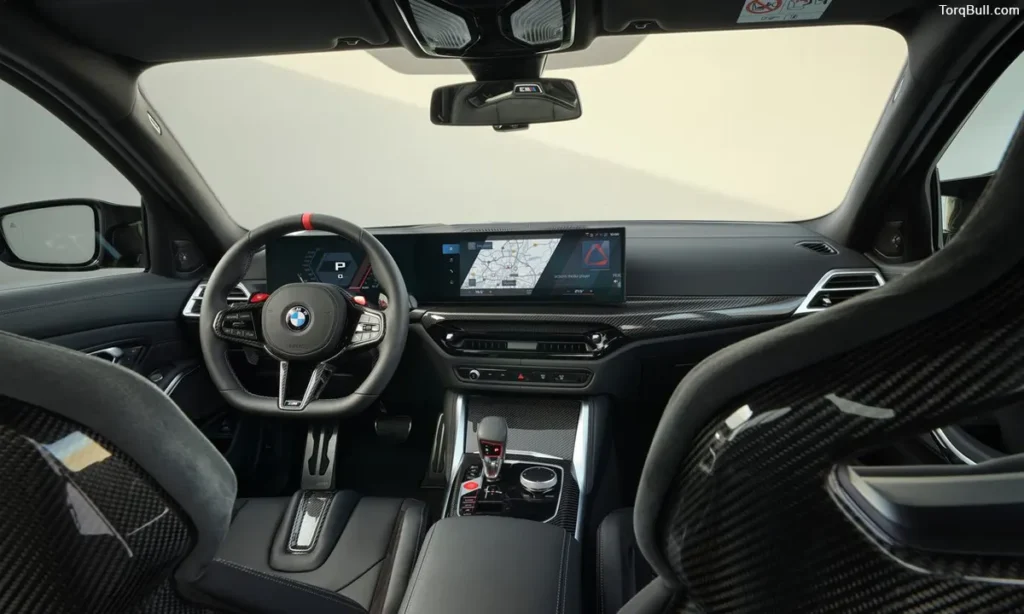
The M3’s active exhaust system provides four operational modes accessible through the M Setup menu and the individual vehicle controls: Quiet, Normal, Sport and Sport Plus. Most M3 owners operate the exhaust in its delivery default mode without exploring the specific character differences between each setting or understanding when each mode produces its most useful effect.
Quiet mode reduces exhaust note through active valve management — keeping valves in their most restricted position to minimise sound during residential neighbourhoods, early morning departures and situations where the driver specifically wants to avoid attention. This mode produces a noticeably tamed exhaust character that preserves the engine’s full performance capability while dramatically reducing acoustic signature.
Sport Plus mode opens the exhaust valves completely and activates the most aggressive crackle and pop calibration during overrun — the setting where fuel cut on deceleration produces the most theatrical exhaust note under engine braking. The difference between Normal and Sport Plus at the same throttle application is dramatic enough that many owners assume the car has different performance output between modes, when the difference is entirely acoustic.
Hidden Feature 6: Adaptive Suspension Memory Position
The M3 Competition’s adaptive suspension stores damper position memory across ignition cycles — remembering the suspension setting that was active when the ignition was last switched off and restoring that setting on the next start rather than defaulting to a fixed profile. This memory behaviour means that owners who prefer a specific suspension setting for daily commuting never need to reconfigure it after parking — the car resumes where it was left.
Most owners discover this feature only when they notice the car does not return to the softest setting on startup after a spirited drive that ended in Sport suspension mode.
Read: BMW M3 Touring 24h Brings Nürburgring Endurance to a Performance Wagon
Hidden Feature 7: Trunk Opening Without Touching the Vehicle
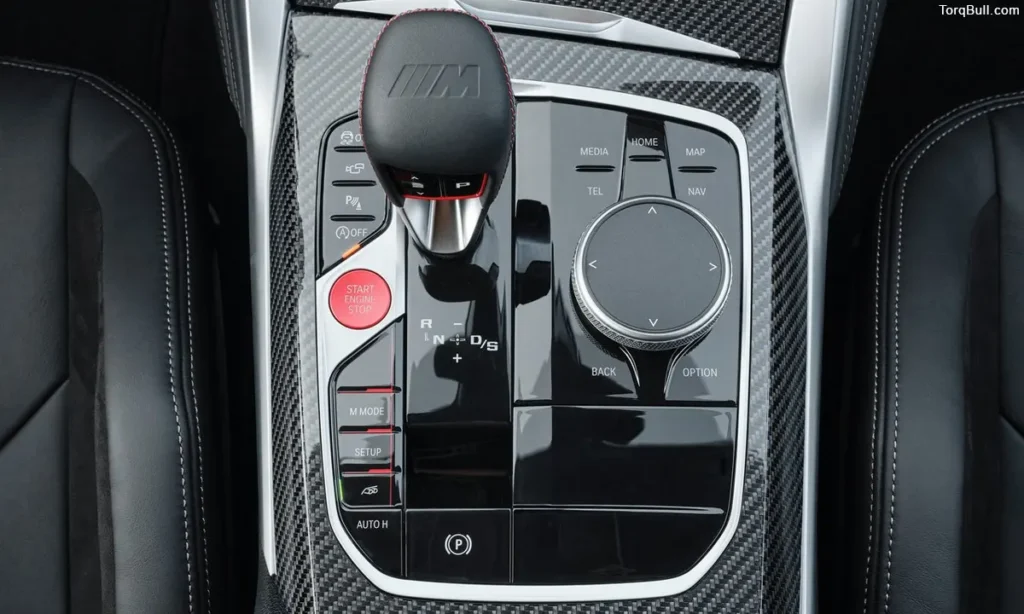
The M3’s Comfort Access passive entry system extends to the trunk — allowing the trunk to open automatically when the driver approaches the rear of the vehicle with the key fob in their pocket and performs a foot-kick gesture under the rear bumper without touching any button or surface. This gesture-activated trunk opening is specifically useful when hands are occupied.
The kick gesture requires a deliberate inward and outward foot movement below the bumper rather than simply standing near the vehicle — preventing accidental activation when walking past. Most owners activate this feature accidentally before understanding it exists as an intentional and configurable system.
BMW M3 2026 Hidden Features — Complete Quick Reference Chart
| Hidden Feature | Access Method | Practical Benefit | Most Common Discovery |
| M1 and M2 dual personality storage | Long press either M button | Two complete vehicle setups instantly switchable | Delivery orientation or this guide |
| Drift Analyzer | iDrive My Driving Data menu | Real-time drift angle, speed and duration data | Never for most owners |
| Active Sound Design | iDrive sound settings | Adjustable in-cabin engine sound layer | Noticing difference in videos vs in-car |
| M Setup menu shortcut | Long press M1 or M2 | Instant access to profile configuration | This guide |
| Exhaust four-mode control | M Setup or vehicle controls | Quiet through Sport Plus acoustic range | Using only default setting |
| Adaptive suspension memory | Automatic on start | Resumes last-used suspension setting | Noticing Sport mode persists after restart |
| Kick-to-open trunk | Foot gesture under rear bumper | Hands-free trunk access | Accidental activation |
| iDrive display on instrument cluster | Steering wheel cluster controls | Map and media visible without looking at centre | Never exploring cluster display options |
| Regenerative braking adjustment (Competition xDrive) | My Modes or paddle shifters in EV-like modes | Adjustable energy recovery in hybrid-adjacent driving | Not applicable in pure M3; more relevant in related M products |
| M Traction Control 0 to 10 scale | M Setup stability control slider | Precise traction control calibration for track conditions | Competition xDrive track day only |
| Lane Change Warning sensitivity | iDrive driver assistance settings | Adjustable trigger distance for blind spot alerts | Settings menu exploration |
| Personal Profile automatic recall | BMW Connected Drive account linking | Full vehicle personalisation from a registered profile | App setup after delivery |
The iDrive 8.5 Interface: The Gateway to Everything Hidden
The 2026 BMW M3 carries iDrive 8.5 — more refined than previous versions with a smoother interface, easier customisation access and reliable wireless Android Auto and Apple CarPlay — but the system’s depth means that its most useful functions are not surfaced on the home screen. The home screen presents the frequently used applications, but the M-specific features, the driver assistance sensitivity controls, the sound system configuration and the active exhaust management all live deeper in the menu architecture.
The most efficient approach to discovering the M3’s full capability is spending 30 minutes with the iDrive’s settings specifically — not the multimedia settings but the vehicle settings, the M-specific menu sections and the BMW Connected Drive features that link the car to the smartphone app. This single investment of deliberate exploration produces ongoing ownership benefits that persist across the full ownership period.