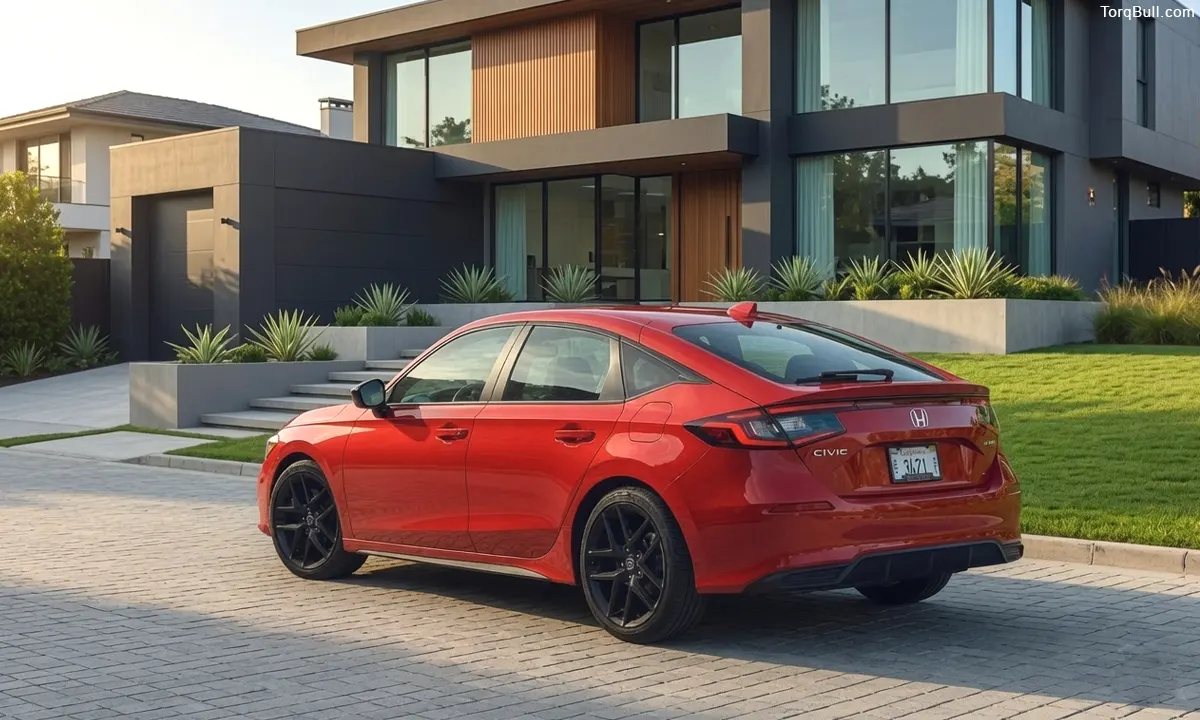
You pull into your driveway after a drive, shut off your Civic, grab your bag, and then you hear it. A fan, whirring away under the hood, running with the engine completely off and the key in your pocket. It’s a little unsettling the first time. Is something broken? Is it draining your battery? Did you leave something on?
Take a breath, because in the vast majority of cases, this is your Honda doing exactly what it was engineered to do. That fan running after shutdown is usually a sign of a smart, healthy car protecting itself, not a warning of doom. But there’s a line where normal turns into a genuine problem, and knowing exactly where that line sits is the difference between shrugging it off and heading to a mechanic. Let me walk you through both sides.
The Good News: This Is Usually Totally Normal
Here’s what’s actually happening under there. While your engine runs, coolant constantly circulates through it, carrying away tremendous heat. The instant you turn the key off, that circulation stops dead. But the engine itself is still blazing hot, and all that trapped heat has nowhere to go. Engineers call this heat soak, and it’s exactly the moment things can get too toasty for comfort.
So your Civic fights back. The engine control unit, the little computer running the show, keeps an eye on the coolant temperature even after shutdown. If it sees the engine is still too hot, it commands the electric radiator fan to keep spinning, pulling cooler air through the radiator to bleed off that leftover heat. This is called after-run cooling, and it’s a deliberate safety feature built to protect your engine from that dangerous post-shutdown temperature spike. Left unchecked, heat soak can warp plastic intake parts, cook seals, and stress the electronics packed around the engine. Your fan is standing guard against all of it.
On a healthy Civic, this after-run cooling typically lasts somewhere between two and ten minutes, then shuts off on its own. How long depends on how hard the engine was working and how hot it is outside. A quick errand on a mild spring day might trigger just a minute or two. A long highway grind in the middle of a brutal summer afternoon might run the fan for the full ten. Both are completely normal.
When It’s Just Your Civic Being Smart
A few everyday scenarios make this after-run fan far more likely, and none of them are cause for concern.
Hot weather is the big one. Park after a summer drive and there’s simply more heat to shed, so the fan runs longer. Stop-and-go traffic does it too, because crawling along doesn’t push much air through the radiator, so your Civic finishes the cooling job after you park. A hard drive up a mountain pass or a spirited run has the same effect. And if you had the air conditioning blasting, the whole system was already working overtime to stay cool. In all these cases, your car is just being diligent, mopping up excess heat so it doesn’t sit and soak into sensitive components. Let it do its thing.
The Warning Signs: When to Actually Worry
Now for the flip side, because sometimes that fan is telling you something’s genuinely off. Here’s where you should pay attention.
The clearest red flag is time. If your fan runs well past fifteen minutes, or flat-out refuses to shut off until you turn the car back on and off again, that’s not normal after-run cooling anymore. The second tell is temperature context. If the fan is running long and hard when the engine is barely warm, like after a two-minute drive or first thing on a cold morning, the system is being triggered by something other than real heat. And the biggest worry of all: a fan that runs all night and leaves you with a dead battery in the morning. After-run cooling should never last hours. If it’s killing your battery, something has failed.
Here’s a table to make the call easy.
| Fan Behavior | Verdict |
| Runs 2 to 10 minutes, then stops | Normal after-run cooling |
| Longer after hot weather, traffic, or AC use | Normal, just more heat to shed |
| Runs past 15 minutes every time | Worth investigating |
| Comes on hard when engine is cold | Likely a sensor or relay fault |
| Runs for hours, drains the battery | Definite problem, address it now |
What’s Actually Broken When It’s a Problem
If you’ve landed in the warning zone, a handful of usual suspects are almost always behind it, and they range from dirt cheap to moderately annoying.
The number one culprit on a Honda is a stuck fan relay. The relay is the electrical switch that turns the fan on and off, and when it sticks in the on position, the fan simply never gets the message to quit. The good news is it’s often the cheapest fix in the whole car, with a new relay usually running just ten to twenty dollars. There’s an easy test, too. Pop the under-hood fuse and relay box, find the cooling fan relay, and pull it out. If the fan stops instantly, you’ve found your villain.
The next likely offender is a faulty engine coolant temperature sensor. This is the part that tells the computer how hot the engine is, and when it goes bad, it can report a falsely high temperature. The computer believes the engine is roasting and dutifully runs the fan, even when everything is actually cool. That’s why a fan blasting on a cold engine points straight at this sensor. Replacing one typically runs somewhere in the range of $150 to $300.
A couple of others round out the list. Low coolant can let the engine genuinely run hotter than it should, making the fan work overtime, so it’s worth checking your coolant reservoir level, but only when the engine is stone cold, never with a hot pressurized system, because that’s a serious burn risk. A stuck thermostat or trapped air pocket in the cooling system can fool the temperature readings the same way. And in rarer cases, the fan’s control module itself acts up. If the simple relay test doesn’t solve it, this is the point where a scan tool and a mechanic earn their keep.
Read: Is the 2026 Genesis GV80 Coupe Worth Its 80K Price Tag?
The Bottom Line: Listen, But Don’t Panic
Here’s what I want you to walk away with. That fan running after you shut off your Civic is, nine times out of ten, a good thing. It’s your car’s after-run cooling system quietly protecting your engine from heat soak, and it should wrap up within a few minutes. On a hot day, after traffic, or following a hard drive, give it up to ten minutes and don’t give it another thought.
The moment to take action is when the pattern breaks. A fan that runs for fifteen minutes or more, fires up when the engine is cold, or drains your battery overnight has crossed from normal into something worth chasing down. Start with the cheap and easy relay test, since a stuck relay is both the most common cause and the least expensive to fix. From there, look at the temperature sensor and coolant level before assuming the worst. One thing you should never do is permanently disconnect the fan to stop the noise. It might save your battery tonight, but it strips away your engine’s protection and sets you up for a genuine overheating disaster. Your Civic is trying to take care of itself. Learn the difference between its healthy habits and its cries for help, and you’ll always know exactly when to relax and when to reach for the toolbox.