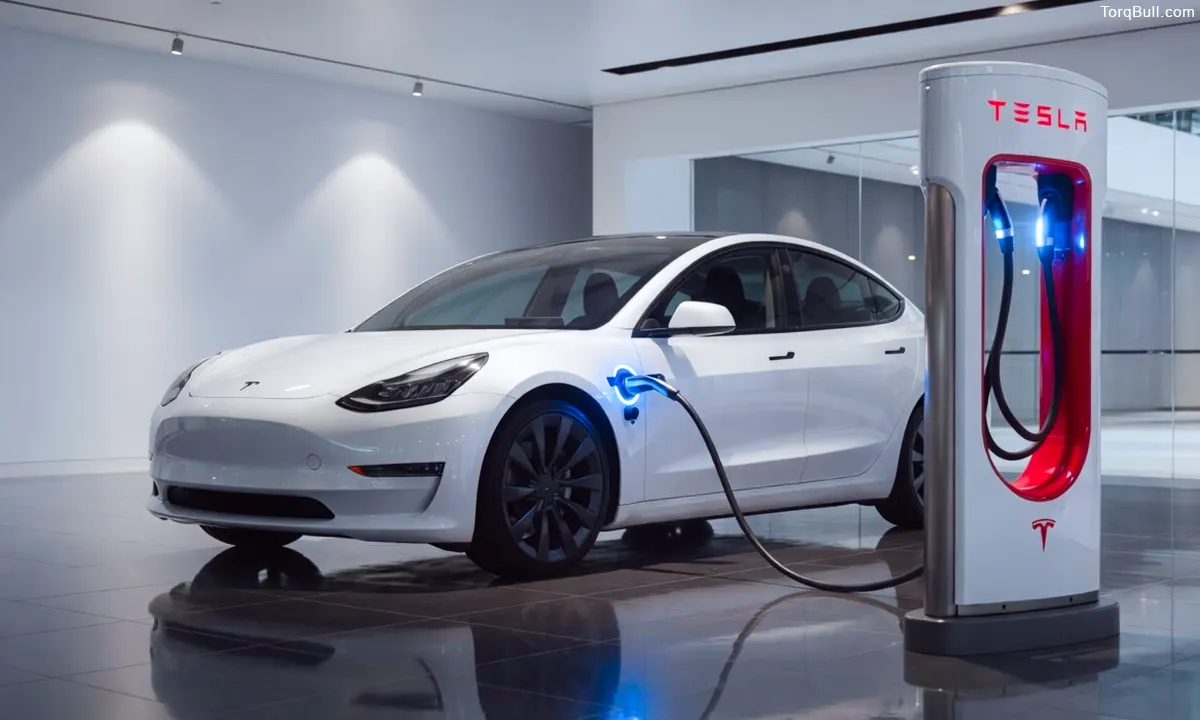
- Avoid charging to 100% daily (especially NCA batteries)
- Limit frequent DC fast charging to long trips
- Don’t leave battery at very low charge for long periods
- Use preconditioning before fast charging
- Simple habits can significantly slow battery degradation
Tesla Model 3 Charging Mistakes to Avoid: The Tesla Model 3’s battery pack is the most expensive component in the vehicle, the one that most directly determines daily range, long-term resale value and the total financial return on the ownership investment. Tesla’s own fleet data confirms that the pack in a well-managed Model 3 retains approximately 85 to 90 percent of its original capacity after 200,000 miles — an outstanding long-term durability record by any automotive standard. But that 85 to 90 percent outcome is not random. It is the result of charging habits that work with the battery chemistry rather than against it — and the owners who achieve it make consistently different decisions at the charging point than those whose batteries show 70 to 75 percent retention at the same mileage. Recharged’s battery degradation analysis is specific on this point: a five-year car with 20,000 miles that lived in Phoenix and fast-charged weekly can be worse off than a five-year car with 70,000 miles that mostly slow-charged in a mild climate. The charging behaviour is the variable that explains most of the difference. This guide identifies every significant charging mistake that Model 3 owners make, explains the chemistry behind why each accelerates degradation and provides the specific corrective practice that eliminates it.
Charging Mistake 1: Setting the Daily Charge Limit to 100 Percent on NCA Batteries
The most common and most consequential charging mistake made by new Tesla Model 3 owners with Long Range or Performance variants is setting the daily charge limit to 100 percent and leaving it there — because intuitively, it seems logical to start every day with a full battery.
The chemistry of nickel cobalt aluminium lithium-ion cells — the battery chemistry used in Long Range and Performance Model 3 variants — makes sustained high state of charge one of the most consistent accelerators of calendar aging. At 100 percent state of charge, the cell voltage is at its maximum, the electrode materials are under maximum chemical stress and the electrolyte is most susceptible to decomposition reactions that permanently reduce capacity over time. This effect is amplified when the vehicle sits at 100 percent for extended periods — when a Model 3 is charged to 100 percent overnight and then sits in a warm parking lot until the afternoon, the combination of high state of charge and elevated temperature produces the most aggressive degradation conditions the battery experiences in normal ownership.
Tesla’s own charging guidance is explicit: for everyday driving, set the charge limit to approximately 70 to 80 percent for Long Range and Performance models. Reserve 90 to 100 percent charging for road trips where the additional range is genuinely needed. The daily charge limit is set through the Tesla app’s Charging menu and is remembered by the vehicle permanently until changed. This single configuration adjustment — taking approximately 30 seconds to complete — is the highest-impact single action available to any new Model 3 Long Range or Performance owner for protecting long-term battery health.
The distinction for LFP-equipped Standard Range variants is important: Tesla specifically recommends charging LFP packs to 100 percent regularly to maintain Battery Management System calibration accuracy. LFP chemistry is inherently more tolerant of high state of charge than NCA chemistry, and the recommendation reflects this fundamental difference. Standard Range owners should follow Tesla’s guidance to charge to 100 percent regularly, while Long Range and Performance owners should target 70 to 80 percent for daily use.
Charging Mistake 2: Using DC Fast Charging as the Primary Daily Charging Method
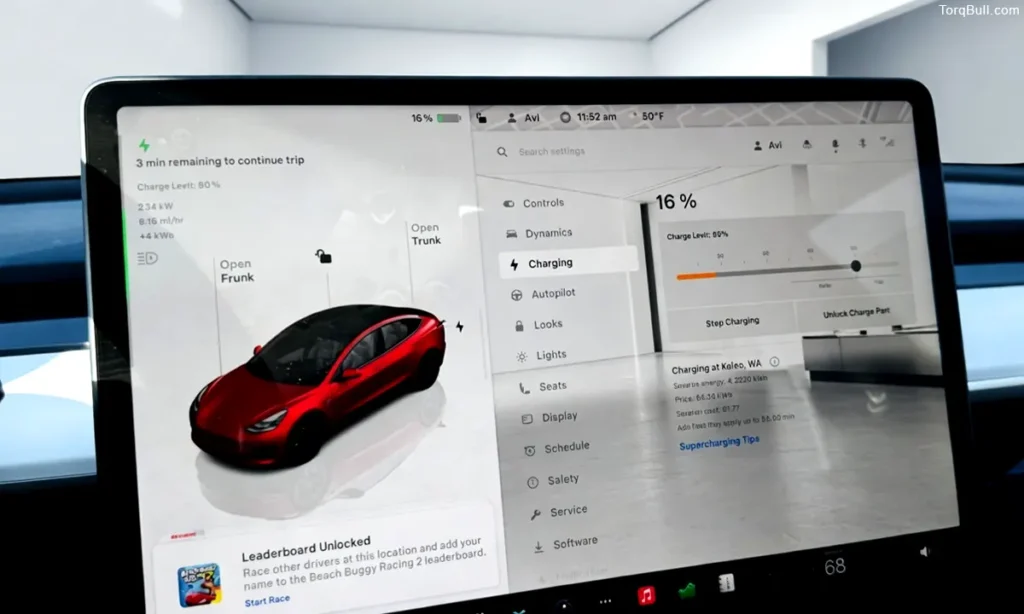
The Supercharger network is one of the Tesla Model 3’s most valuable ownership advantages — but it is designed and most economically used as a road trip tool, not a daily charging substitute for home Level 2 charging. Owners who use Superchargers as their primary daily charging method — particularly those who live in apartments without home charging access — are making a charging mistake that affects both battery health and operating cost simultaneously.
DC fast charging pushes high current into the battery at rates that generate substantially more heat than Level 2 AC charging. The battery’s thermal management system manages this heat, but the repeated thermal cycling — heating during Supercharging, cooling during driving and parking — adds stress to the cell chemistry over time. Recharged’s common problems analysis identifies frequent Supercharging as one of the charging behaviours most strongly associated with above-average battery degradation in used Model 3 inspections. Fleet operator data confirms that vehicles used in ride-share applications with daily Supercharging show faster degradation than equivalent personal-use vehicles primarily charged at home on Level 2.
Beyond degradation, the per-mile cost of Supercharging at $0.35 to $0.42 per kilowatt-hour — approximately 9.7 to 11.7 cents per mile — is two to three times the 4.3 to 4.7 cents per mile of home Level 2 charging at the national average electricity rate. An owner who Supercharges for 100 percent of their annual 15,000 miles pays approximately $1,313 to $1,580 annually in charging costs versus approximately $638 at home — a difference of $675 to $942 per year that compounds significantly across five years of ownership.
The correct practice is to use Level 2 home charging as the daily default and reserve Supercharging for road trips and genuine convenience situations where home charging is unavailable. For owners who cannot charge at home, the financial and battery-health calculation of Model 3 ownership changes substantially, and the economics are worth reconsidering before purchase rather than managing after delivery.
Read: Best Level 2 Home Charger for Tesla Model 3 With Solar Panels
Charging Mistake 3: Allowing the Battery to Sit at Near-Zero State of Charge
Allowing the Model 3’s battery to sit at very low state of charge — below 5 to 10 percent — for extended periods is a charging mistake that accelerates degradation through a different mechanism than high state of charge but with similarly measurable consequences.
At very low states of charge, the lithium-ion cells’ anode materials can become lithium-depleted to a degree that causes structural stress in the electrode coating. Extended storage at near-zero charge also promotes electrolyte decomposition reactions at the anode that are different from but additive to the reactions that occur at high charge. The Battery Management System recognises very low state of charge as a condition requiring active management — the car consumes standby power to maintain the pack above the critical minimum threshold, which further depletes an already low battery if the vehicle is left unplugged.
The practical guidance from both Tesla’s documentation and Recharged’s battery health analysis is consistent: never let the battery sit below approximately 10 to 15 percent for more than a day without charging, and never store the vehicle long-term at near-zero state of charge. For planned long-term storage — periods exceeding two to three weeks without charging — Tesla recommends leaving the vehicle connected to a Level 2 charger set to a 50 percent charge limit, allowing the Battery Management System to maintain the pack at optimal storage charge with minimal energy consumption.
The Recharged degradation guide captures this correctly: avoid letting the car sit for days at either 0 to 5 percent or very close to 100 percent. The ideal daily operating window for NCA packs is between approximately 20 and 80 percent state of charge.
Charging Mistake 4: Skipping Battery Preconditioning Before Supercharger Stops
Battery preconditioning before Supercharger stops is one of the most effective and most underutilised tools available to Model 3 owners — and skipping it is a mistake that costs both charging time and, over the long term, contributes to unnecessary fast-charging stress on a cold battery.
Lithium-ion batteries charge most efficiently and accept the highest charge rates when their temperature is within an optimal range of approximately 25 to 35 degrees Celsius. A battery that is significantly below this range — as is common in winter driving or after an overnight park in cold weather — charges much more slowly, accepts less power at the initial stages of the charging session and experiences more concentrated current distribution within the cell as the battery management system limits charging rate to protect cold cells. The net result is a slower, less efficient Supercharger session and more localised stress on the cells during the early minutes of charging.
Tesla’s Model 3 automatically preconditions the battery when a Supercharger is set as a navigation destination — the thermal management system begins warming or cooling the pack to its optimal charging temperature in the miles before arrival. This preconditioning produces noticeably faster initial charging rates, shorter total session times and a more even charge distribution across the cell groups. Shop4Tesla’s charging guide confirms this directly: using fast charging without preconditioning is a common mistake.
The practice requires only one action from the driver: set the Supercharger as a navigation destination rather than arriving without navigation. The car handles everything else automatically. Owners who habitually drive to Superchargers without setting navigation — who arrive at a Supercharger cold and plug in immediately — experience slower initial charge rates and longer total session times compared to owners who allow the system to precondition.
Charging Mistake 5: Ignoring Time-of-Use Electricity Plans
For Model 3 owners who charge at home, failing to enrol in an available time-of-use electricity plan is a financial mistake that costs money every single day of ownership without affecting battery health or driving experience in any way.
Most American utility companies offer time-of-use rate plans that provide substantially reduced electricity prices during overnight off-peak hours — typically between 9 PM and 6 AM — in exchange for higher rates during the late-afternoon peak demand window. Off-peak rates on these plans range from approximately $0.06 to $0.13 per kilowatt-hour in many markets, compared to the $0.17 national average flat rate and peak rates that can reach $0.35 to $0.45 per kilowatt-hour in states like California. Charging exclusively during off-peak hours reduces the effective cost of charging the Model 3 by 30 to 50 percent relative to a flat-rate plan.
The implementation requires enrolling in the utility’s TOU plan — a one-time call or online request — and setting Tesla’s Scheduled Charging or Scheduled Departure feature to ensure charging occurs within the off-peak window. The Tesla app manages this automatically thereafter. At 15,000 annual miles and the difference between a $0.17 flat rate and a $0.09 off-peak TOU rate, the annual saving is approximately $275 — accumulating to approximately $1,375 over five years of ownership.
Read: Charge While You Drive! Wireless EV Charging Roads – How It Works?
Charging Mistake 6: Not Plugging In Regularly When Parked at Home
The most counterintuitive charging mistake new Model 3 owners make is not charging frequently enough — leaving the car unplugged for multiple days at a moderate state of charge, assuming that infrequent charging is better for the battery.
Modern lithium-ion Battery Management Systems are designed for regular charging and actively use grid power to maintain pack temperature, manage cell balance and keep the battery within its optimal operating window during stationary periods. A Model 3 that is regularly plugged in — even if it only charges for 20 minutes before reaching its set limit — allows the BMS to perform these management functions using grid power rather than the main battery’s stored energy. A car that sits unplugged for days consumes standby power from the battery itself for thermal management and system monitoring, slowly depleting state of charge while providing no beneficial driving use.
The EVDances owner guide is direct on this practice: keep the car plugged in when not in use — modern battery management uses grid power to maintain optimal storage levels and temperatures. This is not a matter of charging to 100 percent every night — it is simply keeping the vehicle connected to the home charger when parked, allowing the BMS to maintain the pack efficiently without drawing down the stored range.
Tesla Model 3 Charging Mistakes — Quick Reference Chart
| Charging Mistake | Battery Impact | Financial Impact | Correct Practice |
| Charging NCA to 100% daily | Accelerates calendar aging | Minimal | Set limit to 70–80% daily; 100% before road trips |
| Daily Supercharging habit | Accelerates degradation; more thermal cycling | +$675–$942/year vs home L2 | Default to Level 2; Supercharge for road trips only |
| Sitting at near-zero charge | Electrode stress; BMS standby drain | None direct | Plug in before reaching 10%; maintain 20%+ |
| Skipping preconditioning | More cell stress from cold-charging | Longer stops = more time lost | Always set Supercharger as navigation destination |
| Ignoring TOU electricity plans | None | +$200–$400/year unnecessary cost | Enrol in TOU plan; use Scheduled Charging |
| Not plugging in when home | BMS uses battery for management | Minor range drain | Plug in whenever parked at home; let BMS manage |
| LFP owner avoiding 100% charge | BMS calibration errors; reduced accuracy | None | Charge LFP to 100% regularly per Tesla guidance |